How to track job applications in a spreadsheet: stages and follow-ups

By Amil Abbasov
· 4 min read
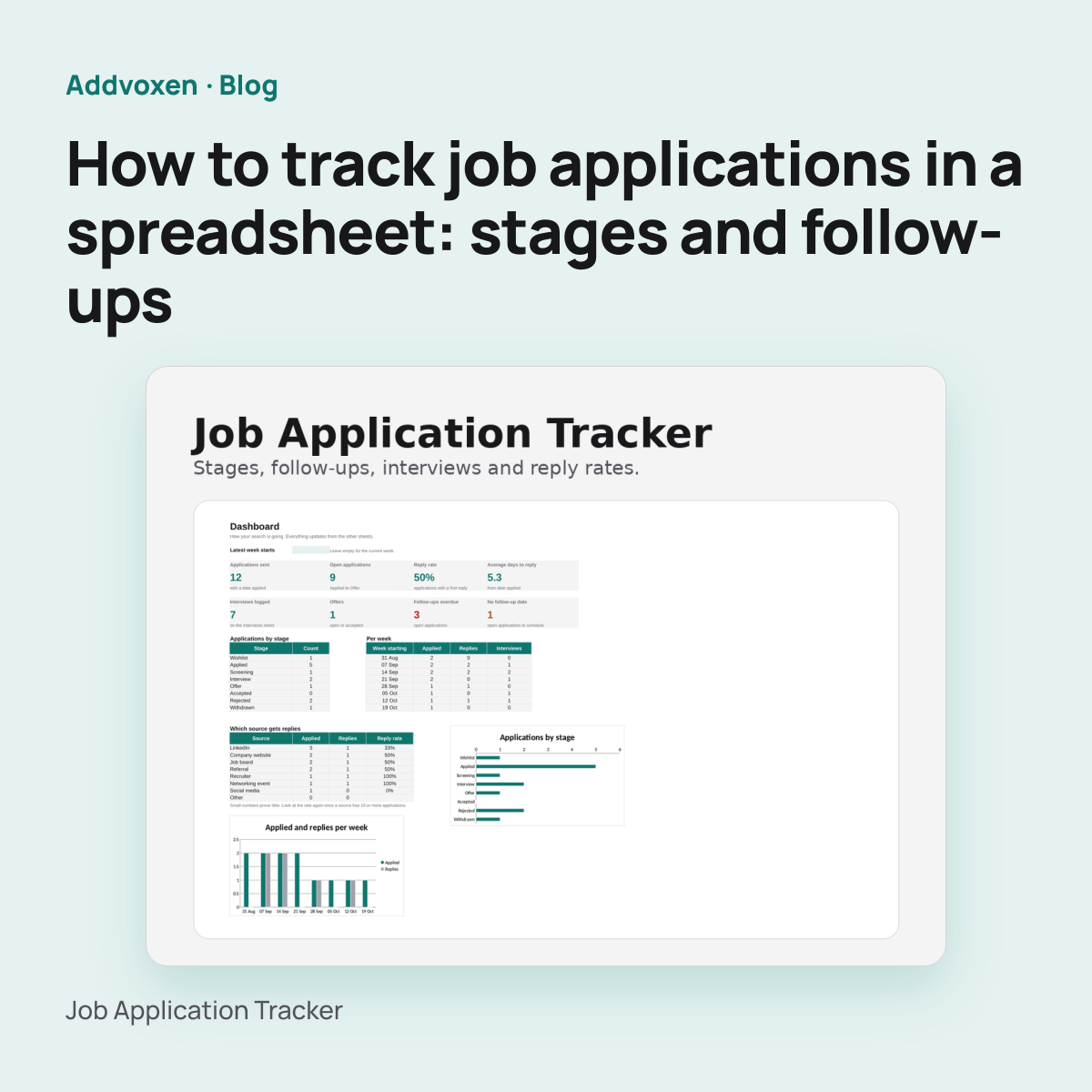
To track job applications in a spreadsheet, keep one row per job with nine columns: company, role, source, date applied, reply date, stage, follow-up date, contact and notes. Then add two formulas: one that suggests a follow-up date and one that flags every application where that date has passed. The sheet stops being a diary and starts telling you what to do today.
This guide shows the columns, the stages, the formulas and a simple way to find out which source of jobs actually answers you.
Which columns does a job application tracker need?
Keep it short. If logging one application takes more than a minute, you will stop doing it by the third week.
| Column | Example |
|---|---|
| A. Company | Northwind Logistics |
| B. Role | Operations Analyst |
| C. Source | LinkedIn, Referral, Company site |
| D. Date applied | 2026-10-12 |
| E. Reply date | 2026-10-19 (blank until they answer) |
| F. Stage | Applied |
| G. Follow-up date | formula, see below |
| H. Contact | Name and email of the recruiter |
| I. Notes | Salary range, link to the posting |
Paste the link to the posting in Notes. Postings are often taken down, and you will want the requirements when an interview invitation arrives three weeks later.
Do not add more columns until you miss them. Cover letter version, application ID and company size can all live in Notes.
What stages should you use?
Use a fixed list so you can count them later. Eight is enough:
- Wishlist (found it, not applied yet)
- Applied
- Screening (recruiter call or test)
- Interview
- Final round
- Offer
- Rejected
- Withdrawn
Turn the Stage column into a dropdown: select the column, then Data → Data validation → Dropdown (list of items). A dropdown stops "Interview", "interview" and "Interviewing" from becoming three different stages, which would break every count below.
How do you calculate a follow-up date?
A follow-up date answers one question: when should I check in on this application? Pick a default and let the sheet fill it in. A common choice is seven working days after you applied, but this is a habit, not a rule. If the posting says when they will reply, use that date instead.
In G2:
=IF(D2="","",WORKDAY(D2,7))
WORKDAY skips weekends. After you send a follow-up message, type a new date over the formula, for example two weeks ahead. The sheet now shows when you last planned to act.
How do you flag overdue follow-ups?
Add a status column next to it (column J). It should stay blank for finished applications, so closed jobs never nag you:
=IF(OR(F2="Offer",F2="Rejected",F2="Withdrawn",F2="Wishlist"),"",IF(G2="","Set a date",IF(G2<TODAY(),"Overdue",IF(G2<=TODAY()+7,"Due within 7 days","Scheduled"))))
Colour "Overdue" red with conditional formatting (Format → Conditional formatting → Text is exactly). Then filter the column by "Overdue" each morning. That filtered list is your to-do list for the job search: write the follow-up, update the date, move on.
One more useful column is "Days since applied": =IF(D2="","",TODAY()-D2). When it passes 30 or 40 days, it is a fair signal to stop waiting and put your energy into new applications. You decide the number.
How do you see which source actually replies?
This is the part most job trackers skip, and it changes where you spend your time. Count, for each source, how many applications you sent and how many got any reply:
=COUNTIFS(C:C,"LinkedIn",E:E,"<>")/COUNTIFS(C:C,"LinkedIn")
The first part counts rows with that source and a reply date filled in. The second counts all rows from that source. Format the result as a percentage.
A made-up example, to show how to read it:
| Source | Applied | Replied | Reply rate |
|---|---|---|---|
| Job board | 20 | 2 | 10% |
| Company site | 8 | 2 | 25% |
| Referral | 4 | 3 | 75% |
With numbers like these you would send fewer cold applications through the job board and spend an evening asking people you know for introductions. Do not trust a rate until a source has at least 8 to 10 applications; four rows show a pattern, not proof. Your own data is the only data that counts here, so we give no general reply rates.
What should you do every week?
- Filter Follow-up status by "Overdue" and clear the list.
- Move stages forward for anything that changed.
- Fill in the reply date whenever someone answers, even a rejection. Without it the reply rate is wrong.
- After each interview, add two lines to Notes: the questions you were asked and one thing to improve. If you want a method for the answers, see the STAR method guide.
- Look at the reply rate by source once a month and shift your effort.
Build it yourself or use a ready-made sheet?
Everything above takes an evening and works in Excel and Google Sheets. If you want it already built, the Job Application Tracker has an applications sheet for up to 200 jobs, stage and source dropdowns, calculated follow-up flags, a follow-ups sheet that collects what is due, an interview log with a thank-you reminder, and a dashboard with reply rate by source. It comes in English, Azerbaijani, Turkish and Russian, with invented sample data you can delete.