Should a CV include a photo? What to do by market

By Amil Abbasov
· 4 min read
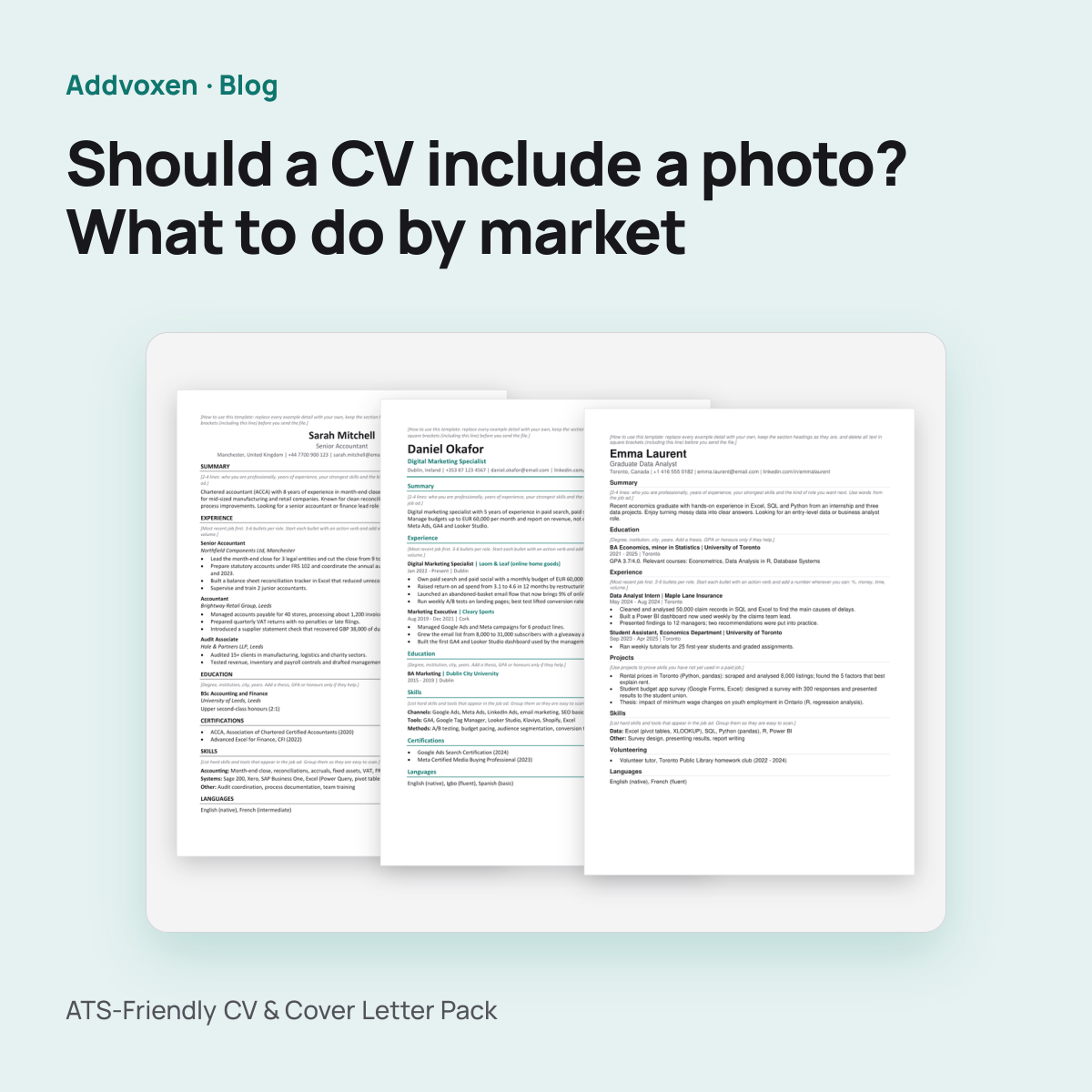
Should a CV include a photo? In most cases, leave it out unless the job advert asks for one or you are applying in a market where a photo is still the norm. A photo adds no information about your skills, it can get in the way of screening software, and in some countries employers prefer not to receive it at all.
The right answer depends on three things: the country, the way you apply and the job. This guide gives you a short decision process and a safe way to add a photo when you need one. It is general guidance, not legal advice. Norms change, so confirm what applies to the country and employer you are applying to.
Does a photo help or hurt your CV?
A photo can do three things, and only the first is a benefit:
- It makes the CV feel familiar in markets where a photo has always been part of a CV.
- It takes space. A passport-size picture uses room that could hold two more achievements.
- It can cause problems. Many applicant tracking systems (ATS) read text only, and an image in the header or beside your name can disturb how the file is parsed. Some employers also avoid photos on purpose, so that screening is based on experience and not appearance.
If your CV already follows the rules in our guide to an ATS-friendly CV, the photo is the one decorative element that most often breaks them.
Which markets expect a CV photo?
There is no single rule, and no list is complete. As a starting point:
- UK, US, Canada, Ireland, Australia: a photo is usually left out. Employers in these countries tend to want screening that does not depend on appearance.
- Parts of continental Europe, the Caucasus, Turkey and Central Asia: a photo is still common on paper CVs, but not required everywhere.
- Online forms and ATS uploads: even where photos are common, the safer choice is to leave the image out of the uploaded file.
Do not rely on a blog list, including this one. Look at three things instead: the job advert, the company's own careers page and what recent employees in similar roles have on their profiles. If you are still unsure, check the local rules or ask the recruiter, whose answer takes one line to get.
Does it matter which job you apply for?
Yes. The role changes the answer more than most people expect.
- Acting, modelling, presenting: a headshot is part of the application.
- Customer-facing roles in markets where photos are normal: a photo is acceptable, but still optional unless the advert asks.
- Office, technical, finance, HR, marketing and most remote roles: skills and results carry the decision. A photo adds nothing here.
- Remote work for a company in another country: follow the norm of the employer's country, not yours.
How do you decide in 60 seconds?
Ask yourself these questions in order and stop at the first "yes":
- Does the advert or the employer's site ask for a photo? → Add it.
- Are you uploading to an online form or ATS portal? → Leave it out of that file.
- Is the employer in the UK, US, Canada, Ireland or Australia? → Leave it out.
- Is a photo normal in that country and is the role customer-facing? → Add a small one.
- Still unsure? → Leave it out and link your LinkedIn profile instead.
The last step costs you nothing. Your profile photo can do the introducing, and your CV stays clean for the parser.
How do you add a photo safely?
When you do add one, keep it from interfering with the text:
- Use one small portrait, placed in a top corner, so the first lines of text still start high on the page.
- Plain background, good light, face visible, work-appropriate clothing. A recent photo that looks like you today.
- Keep your name and contact details as real text, in the body of the page and not inside the picture.
- Keep two versions of the file: one with the photo for printing or direct emails, one without for online forms.
- Do not put a photo in a text box or table, because those are the elements parsers handle worst.
What should you leave out besides the photo?
The same thinking applies to other personal details. In many markets, date of birth, marital status, nationality and a full home address are unnecessary. Never include an ID number or bank details. Include a city and country, an email and a phone number, and let the experience section carry the weight.
A short checklist before you send
- I checked the advert and the employer's site for a photo requirement.
- The uploaded file has no photo if it goes into an ATS.
- If there is a photo, it is small, recent and in a corner.
- My name and email are real, selectable text.
- I have a no-photo version saved.
If you want layouts that already work without a picture, the ATS-Friendly CV & Cover Letter Pack has five single-column Word templates with no images in them, so you can send them as they are. Its writing guide also has a short section on the photo and other personal data.