How to write a LinkedIn headline: 3 formulas with examples

By Amil Abbasov
· 4 min read
How do you write a LinkedIn headline? Put the job title people search for first, then add one thing that tells the reader what you do for whom or what you can prove. Skip adjectives such as "passionate" and "motivated". The headline is the line recruiters and clients see next to your photo and name in search results and messages, so it has to work in about a second.
Below are three formulas you can fill in, a weak and a better version of each, and a short test. All names and numbers in the examples are invented. Replace them with facts about you.
How long can a LinkedIn headline be?
At the time of writing, LinkedIn allows up to 220 characters in the headline. Do not rely on all of it. Screens, lists and mobile views cut the line, so treat the first 60 to 70 characters as the part everyone reads and put the key words there. Limits change from time to time, so confirm the current one in LinkedIn Help.
By default LinkedIn fills the headline with your current job title. That is a safe start, but it spends your most-read line on two or three words.
What are the best LinkedIn headline formulas?
Pick the formula that matches what you want a reader to do next.
Formula 1: Role | field
Pattern: [Role] | [field or industry]
- Weak: "HR professional"
- Better: "HR Specialist | Recruitment for manufacturing and logistics"
Use it when your title is common and your field is what sets you apart. The title comes first because it is the phrase people type into the search box.
Formula 2: Role helping [who] [get a result]
Pattern: [Role] helping [audience] [result]
- Weak: "Freelancer"
- Better: "Freelance graphic designer | Logos and social media kits for cafes and shops"
- Another: "Bookkeeper helping small shops keep clean monthly accounts"
Use it if you sell a service. The reader sees at once whether you work with people like them.
Formula 3: Role | a result you can prove
Pattern: [Role] | [one result with a number]
- Weak: "Passionate marketing professional seeking new opportunities"
- Better: "Marketing Manager | Grew an e-commerce email list from 4,000 to 15,000"
Use it only if you can explain the number in an interview: where it started, what you did, how it was measured. If you cannot, use Formula 1 instead. A claim you cannot back up costs more than a plain headline.
What should a headline look like if you are looking for a job?
Lead with the role you want, then two strengths, then where you are open to work:
- Weak: "Student at State University"
- Better: "Economics graduate | Excel and basic SQL | Looking for an analyst internship"
Avoid writing "Open to work" in the headline if your current employer might read it and that matters to you. LinkedIn has its own Open to Work setting where you choose who can see it.
How do you test your headline before saving it?
- Read the first 60 characters alone. Do they contain your job title or target role? If not, move it forward.
- Search for yourself. Type the title you would like to be found for into LinkedIn search. Look at the headlines of the people at the top and see how yours compares.
- Ask a friend outside your field. Show them your headline for ten seconds. Then ask: what do I do, who do I do it for? If the answers are vague, rewrite.
- Delete every word you cannot prove. "Expert", "guru" and "results-driven" are claims. A job title, a tool or a number is evidence.
Which mistakes make a headline weaker?
- Creative titles first. "Number wizard" is not what an employer searches for. Write "Accountant" and put the personality after it.
- A list of ten skills. Three or four relevant ones read better than a wall of keywords.
- Copying someone else's line. Their numbers are not yours. Use the structure, not the words.
- Never updating it. When you change role, change the headline in the same week. A mismatch with your Experience section looks careless.
What comes after the headline?
The headline gets the click. The first two lines of your About section and your Experience entries decide whether the reader stays. If your CV bullets are still lists of duties, the guide to writing an ATS-friendly CV shows how to turn them into results, and the same lines can go into your profile.
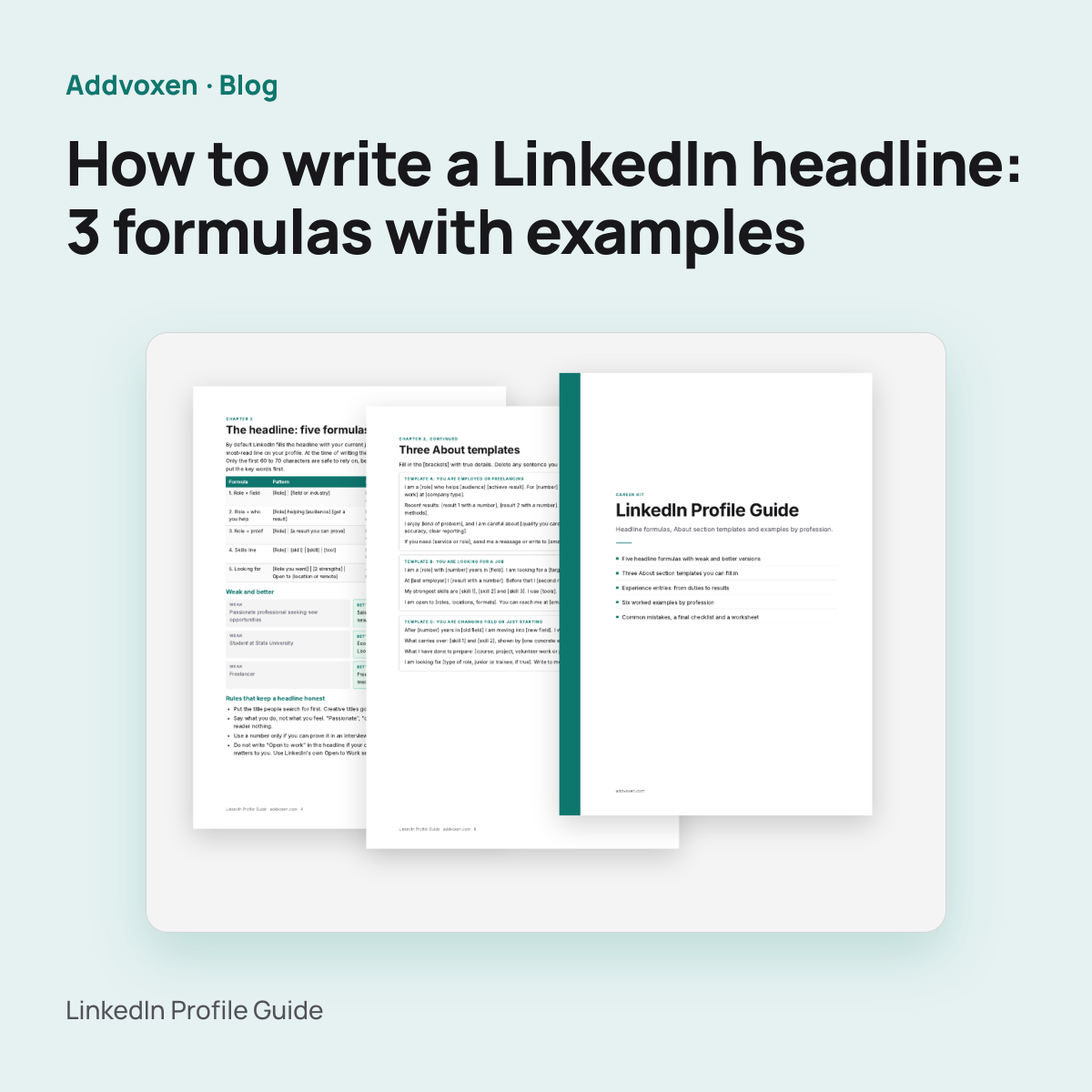
The LinkedIn Profile Guide from Addvoxen includes five headline formulas, three About templates and a worksheet for collecting your facts first. You can write a good headline without it. Take the formulas above, fill them with true details, and run the four-step test.