How to track inventory in a spreadsheet: reorder levels and stock value

By Amil Abbasov
· 4 min read
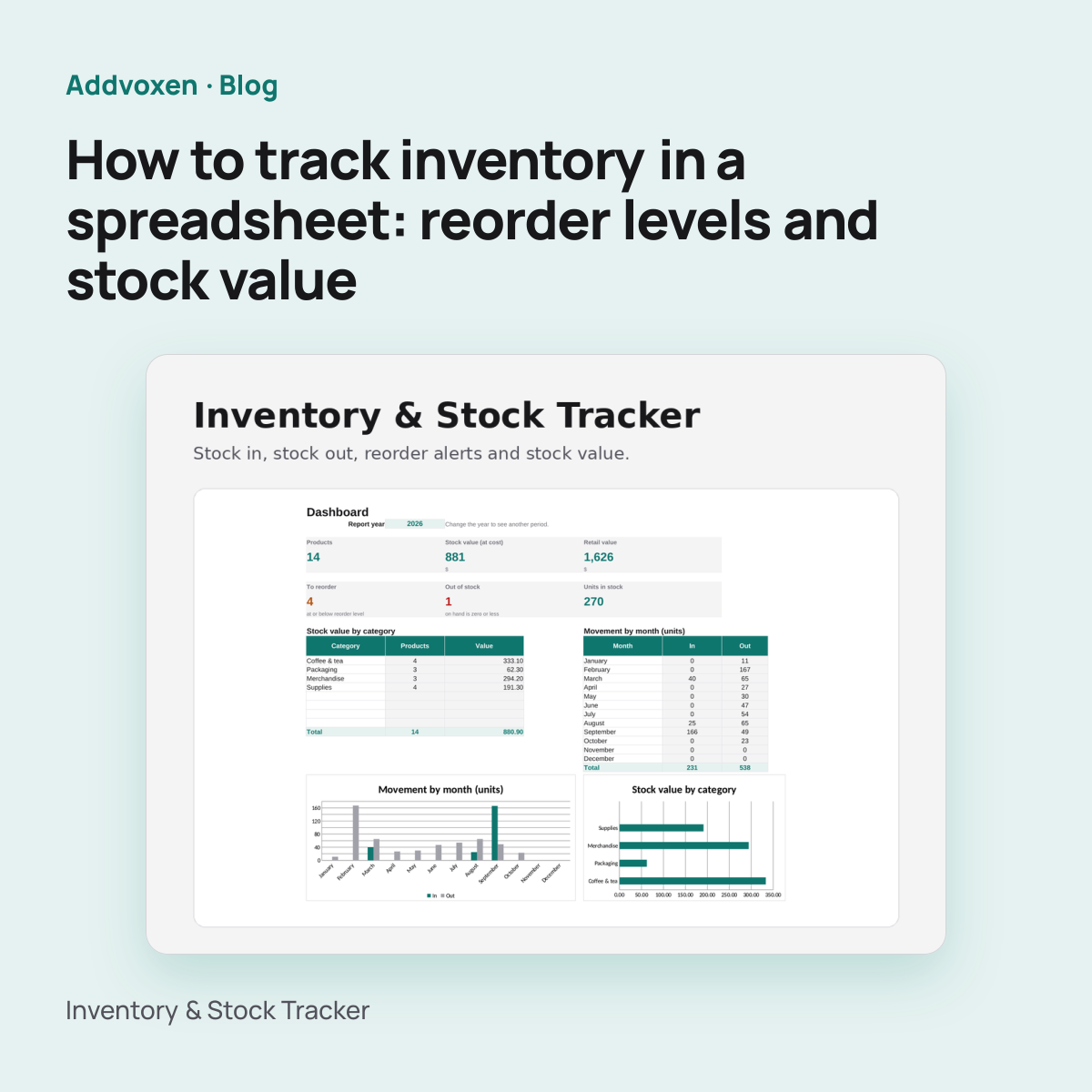
To track inventory in a spreadsheet, keep one sheet that lists your products and one sheet that logs every delivery and sale. Never type the current stock by hand. Let formulas add up the log, so the number on hand, its value and the "reorder now" flag are always worked out from the same records.
This guide shows the two sheets, the three formulas, and how to choose a reorder level using a worked example with made-up numbers.
What sheets does an inventory spreadsheet need?
Two sheets are enough for a small shop, workshop or online store.
Sheet 1, "Products": one row per product.
| Column | Example |
|---|---|
| SKU (your own short code) | MUG-BLUE |
| Name | Blue ceramic mug |
| Unit cost | 4.50 |
| Opening stock | 40 |
| Reorder level | 62 |
| On hand | formula |
| Stock value | formula |
| Status | formula |
Sheet 2, "Movements": one row each time stock arrives or leaves.
| Column | Example |
|---|---|
| Date | 2026-10-12 |
| SKU | MUG-BLUE |
| Type | In / Out |
| Quantity | 24 |
The reason for two sheets is simple. If you overwrite the stock number every time something sells, you lose the history and cannot find a mistake later. With a log, a wrong count is one wrong row you can see and fix.
Use short, unique SKUs and keep them identical on both sheets. "MUG-BLUE" and "mug blue" are different things to a formula.
How do you calculate stock on hand?
On hand is the opening stock plus everything received minus everything sold. Assume the SKU is in column A of Products, the opening stock in D, and Movements has SKU in column B, type in C and quantity in D.
In the "On hand" cell (column F):
=D2+SUMIFS(Movements!D:D,Movements!B:B,A2,Movements!C:C,"In")-SUMIFS(Movements!D:D,Movements!B:B,A2,Movements!C:C,"Out")
Copy it down. Now you only ever add rows to Movements.
Two habits keep this reliable. Make the SKU and Type columns in Movements dropdowns (Data → Data validation → List from a range), so a typo cannot create stock that does not exist. And add a conditional format to the SKU column in Products with the rule =COUNTIF($A:$A,$A2)>1, coloured red, so a duplicate SKU is obvious straight away.
How do you work out stock value?
Stock value is the quantity on hand times what each unit cost you:
=F2*C2
With 62 mugs on hand at a unit cost of 4.50, the value is 279.00. Add a total at the bottom with =SUM(G2:G101). This is the money sitting on your shelves, which is useful when you decide how much to order or when you need to report stock to your accountant. How stock must be valued for official accounts differs by country, so confirm the method locally; the sheet gives you the quantities and costs to work from.
How do you set a reorder level?
A reorder level is the stock count at which you place a new order so that you do not run out before it arrives. The commonly used formula is:
reorder level = average daily sales × supplier lead time in days + safety stock
Here is a worked example with invented numbers. You sell about 40 blue mugs a week, which is roughly 6 a day. Your supplier takes 7 days to deliver. You want a cushion of 20 mugs in case a delivery is late or a week is busy.
- Sales during the wait: 6 × 7 = 42
- Plus safety stock: 42 + 20 = 62
So when the count reaches 62, you order. If you wait until it reaches 0, you will be out of stock for the whole lead time.
You do not have to guess the daily average. Take it from your log: add up the "Out" quantities for the last 30 days and divide by 30.
=SUMIFS(Movements!D:D,Movements!B:B,A2,Movements!C:C,"Out",Movements!A:A,">="&TODAY()-30)/30
Check it against reality once a month. Seasonal products, such as gifts before a holiday, need a higher level than the last 30 days suggest.
How do you get an automatic "reorder now" flag?
Add a Status column that compares on hand with the reorder level:
=IF(F2<=0,"Out of stock",IF(F2<=E2,"Reorder","OK"))
Colour "Reorder" amber and "Out of stock" red with conditional formatting. Filter the column on "Reorder" and you have your order list for the week. For each product, the quantity to order is up to you; many small sellers order enough for four to six weeks of sales, but your supplier's minimum order and your cash will decide.
What should you check every month?
- Count a few products on the shelf and compare them with the sheet. A difference means a missing or wrong row in Movements.
- Look for products with no "Out" rows for 90 days. They tie up money and may need a discount or a decision to stop stocking them.
- Update unit costs when your supplier changes prices, but only going forward. Old rows should keep the cost they had.
- Review reorder levels for products whose sales have changed.
Do you build it yourself or use a ready sheet?
Everything above takes an afternoon, and it works in Excel and Google Sheets. If you would rather start with the work done, the Inventory & Stock Tracker has the product list, the movements log with dropdowns, the status flags, a reorder list with estimated cost and a dashboard, in English, Azerbaijani, Turkish and Russian. It includes invented sample data so you can see it working before you replace it with your own.