How to calculate sales commission in a spreadsheet (3 plans)

By Amil Abbasov
· 4 min read
To calculate sales commission in a spreadsheet, multiply the sales you are paying on by the commission rate. That is the whole formula for a flat plan: 40,000 in won sales at 5 percent is 2,000. Tiered and quota-based plans only change which part of the sales gets which rate. Three small formulas cover all of them, and the one decision that matters is whether a higher rate applies to every sale or only to the sales above the threshold.
All rates and amounts below are invented. Use the numbers from your own written commission plan. This guide shows the arithmetic, not what a fair plan looks like or what the law requires where you live.
How do you calculate a flat commission?
Put the won sales in B2 and the rate in D1 (5%). In C2:
=B2*$D$1
With 40,000 in B2, C2 shows 2,000. If you have a deal list rather than a total, let the sheet add up the sales for one person and one period:
=SUMIFS(C:C,B:B,"Won",A:A,"Anna",E:E,">="&G1,E:E,"<="&G2)
Here C holds the deal value, B the stage, A the owner, E the closed date, and G1 and G2 the first and last day of the month. Only deals marked Won with a closed date inside the month are counted. Our guide to calculating win rate and average deal size uses the same column layout.
How do you calculate tiered commission?
A tiered plan pays a higher rate at higher sales. Write the tiers in a small table:
| Sales from | Rate |
|---|---|
| 0 | 4% |
| 20,000 | 6% |
| 40,000 | 8% |
Now choose how the rate applies, because the same sales give two very different results. Take 46,000 in sales.
Marginal tiers pay each rate only on the sales inside its band: 20,000 × 4% = 800, plus 20,000 × 6% = 1,200, plus 6,000 × 8% = 480. The total is 2,480. Put the tier starts in F2:F4, the rates in G2:G4, and in H2:H4 the step up from the previous rate (4%, 2%, 2%). Then:
=SUMPRODUCT((B2>F2:F4)*(B2-F2:F4)*H2:H4)
Retroactive tiers pay the rate of the highest tier reached on all sales: 46,000 × 8% = 3,680. The formula is shorter:
=B2*LOOKUP(B2,F2:F4,G2:G4)
The gap between 2,480 and 3,680 is large, and it is the most common cause of commission arguments. Check which version your plan says, and write it in a note above the table.
How do you calculate commission on a quota?
A quota plan has a target, and sales above it earn more. Say the quota is 30,000, the base rate is 3 percent and the rate above quota is 6 percent. Quota in D1, base rate in D2, rate above quota in D3, sales in B2.
First attainment, which is sales divided by quota: =B2/$D$1. For 36,000 that is 120 percent.
Then commission with the higher rate only above quota:
=MIN(B2,$D$1)*$D$2+MAX(0,B2-$D$1)*$D$3
For 36,000: 30,000 × 3% = 900, plus 6,000 × 6% = 360, total 1,260. If your plan pays nothing until the quota is reached, use =IF(B2>=$D$1,B2*$D$3,0) instead. Again, read the plan, because both versions exist.
How do you add a cap or a minimum?
Wrap the result in MIN for a cap and MAX for a guaranteed minimum. With the quota formula above and a cap of 1,200:
=MIN(1200, MIN(B2,$D$1)*$D$2+MAX(0,B2-$D$1)*$D$3)
The 1,260 from the example becomes 1,200. Keep the cap in its own cell, not typed inside the formula, so a change to the plan is one edit.
Should you pay on won deals or on paid invoices?
That is a plan decision, and it changes the sheet. If commission is due when a deal is marked Won, count the closed date. If it is due when the customer pays, add a Paid date column and filter on that instead, using the same SUMIFS with the paid date. Plans that pay on payment usually also say what happens when a customer cancels or gets a refund. If yours has such a clause, add a Refund column and subtract it in the next period's total. Taxes on commission income depend on the country and on employment status, so confirm that part locally and do not build a rate into the sheet.
How do you make the sheet hard to dispute?
Five habits help:
- Keep the rates, tier starts, quota and cap in one visible table, never inside formulas.
- Write the plan's wording for the key rule (marginal or retroactive, won or paid) in a note next to the table.
- Calculate from deal rows, not from a typed total, so every amount can be traced to a deal.
- Lock the formula cells and let the salesperson see the deal list behind their number.
- Check one person by hand each month, with a calculator, before you send results.
Build it from scratch or start from a deal list that is ready?
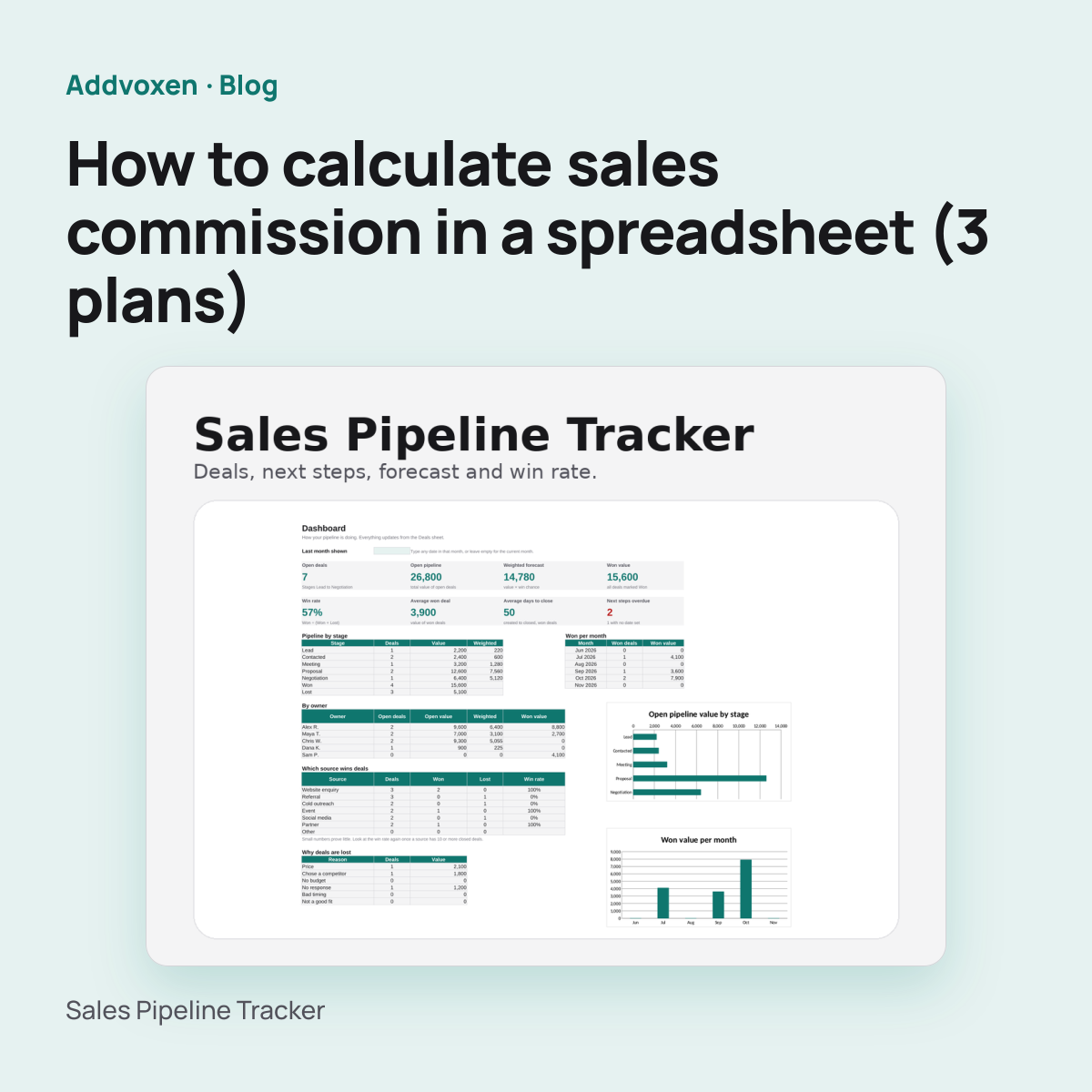
The commission formulas are the easy part. The harder part is a clean deal list with owners, stages and closed dates, because every number above depends on it. The Sales Pipeline Tracker keeps that list for up to 200 deals, with owner, stage, value and dates, and its dashboard shows won value by owner (5 owners) and by month (6 months), which is the input to every formula in this guide. It does not calculate commission itself, so you add one of the formulas above next to it. It comes in English, Azerbaijani, Turkish and Russian, with sample data you can delete.