ChatGPT Prompts for Marketing That Give Usable Copy

By Amil Abbasov
· 4 min read
ChatGPT prompts for marketing give usable copy when they contain six things: who you are writing for, what the offer really is, the job of the text, the format and length, the tone, and one thing to avoid. A short request like "write a product description" leaves all six empty, so the model fills them with the safest, most generic guesses. That is why the result sounds like everyone else.
This guide shows a six-part prompt you can reuse, a worked before-and-after example, and a short routine for fixing a draft that is almost right. It works the same way in ChatGPT, Claude and Gemini.
Why does ChatGPT marketing copy sound generic?
The model can only use what you give it. If your prompt says "write an Instagram post about my candles", it knows nothing about your customer, your price, your scent range or why anyone should pick you over the shop next door. So it writes what is most likely for any candle post: warm, cosy, "light up your evenings".
Most guides ranking for this topic reach the same conclusion: specific input produces specific output. They are mostly vendor blogs, so treat their sample prompts as starting points, not proven recipes. What you can check yourself is simple: run a vague prompt and a detailed prompt side by side, and compare.
What should a marketing prompt contain?
Use these six parts. You can write them as a list or as a paragraph.
- Audience. One specific reader, not "everyone". "Freelance designers who invoice clients monthly" beats "small business owners".
- Facts about the offer. Paste real details: what it is, what it costs, what is included, what it does not do. The model should not invent features.
- Job of the text. What should the reader do after reading? Click, reply, sign up, understand a difference.
- Format and length. "Three subject lines under 50 characters", "a 90-word product description with a three-bullet list".
- Tone. Name it, and add an example sentence you like. "Plain and calm, like a colleague explaining."
- One thing to avoid. Hype words, exclamation marks, claims you cannot prove, a phrase you have used too often.
What does a before-and-after example look like?
The business below is invented, to show the method.
Before:
Write an email to promote my spreadsheet.
You get a long email with "unlock your potential" and an exclamation mark in the subject line. You would have to rewrite most of it.
After:
You are writing for a small email list of freelance photographers. Offer: a spreadsheet that tracks which client invoices are paid, due or overdue, 4 sheets, works in Excel and Google Sheets, one-time payment, no subscription. Goal: get the reader to open the product page. Write one email, under 120 words, with 3 subject line options under 50 characters. Tone: plain and calm, like a colleague. Do not use exclamation marks, the word "powerful", or claims about how much money it will save. End with one link placeholder: [LINK].
The second prompt produces a draft that names the real problem (chasing late invoices), states the real facts and stops. You will still edit it, but you are editing, not rewriting.
How do you stop repeating the same context every time?
Write a context block once and paste it at the start of every new chat. Keep it to about 100 words:
About us: [what the business sells and to whom]. Customer: [one specific person and their main problem]. Voice: [three adjectives and one sentence you like]. Never say: [words and claims to avoid]. Facts we can state: [price, what is included, how delivery works].
Put this block first, then the task. When the chat gets long and replies drift, start a new chat and paste the block again. Long conversations tend to lose early instructions, so a fresh start with the block is often faster than arguing with a drifting thread.
How do you fix a draft that is almost right?
Do not start over. Ask for one change at a time:
- "Cut this to 80 words. Keep the second sentence."
- "Replace general claims with concrete ones. Where you lack a fact, leave [FACT NEEDED]."
- "Give me 5 other openings. No question as the first line."
- "Rewrite for a reader who has never heard of us."
The "[FACT NEEDED]" trick matters. It stops the model from filling gaps with invented numbers, and it shows you exactly where to add your own data.
What should you check before publishing AI copy?
Read it against your offer line by line. Check every number, every feature and every promise. Remove anything you cannot prove, such as customer counts, results or awards. Read it aloud once: if you would never say a sentence to a customer, change it. Finally, check the rules of the platform where you publish, because ads and some social platforms have their own policies on claims.
Where can you find ready prompts for each task?
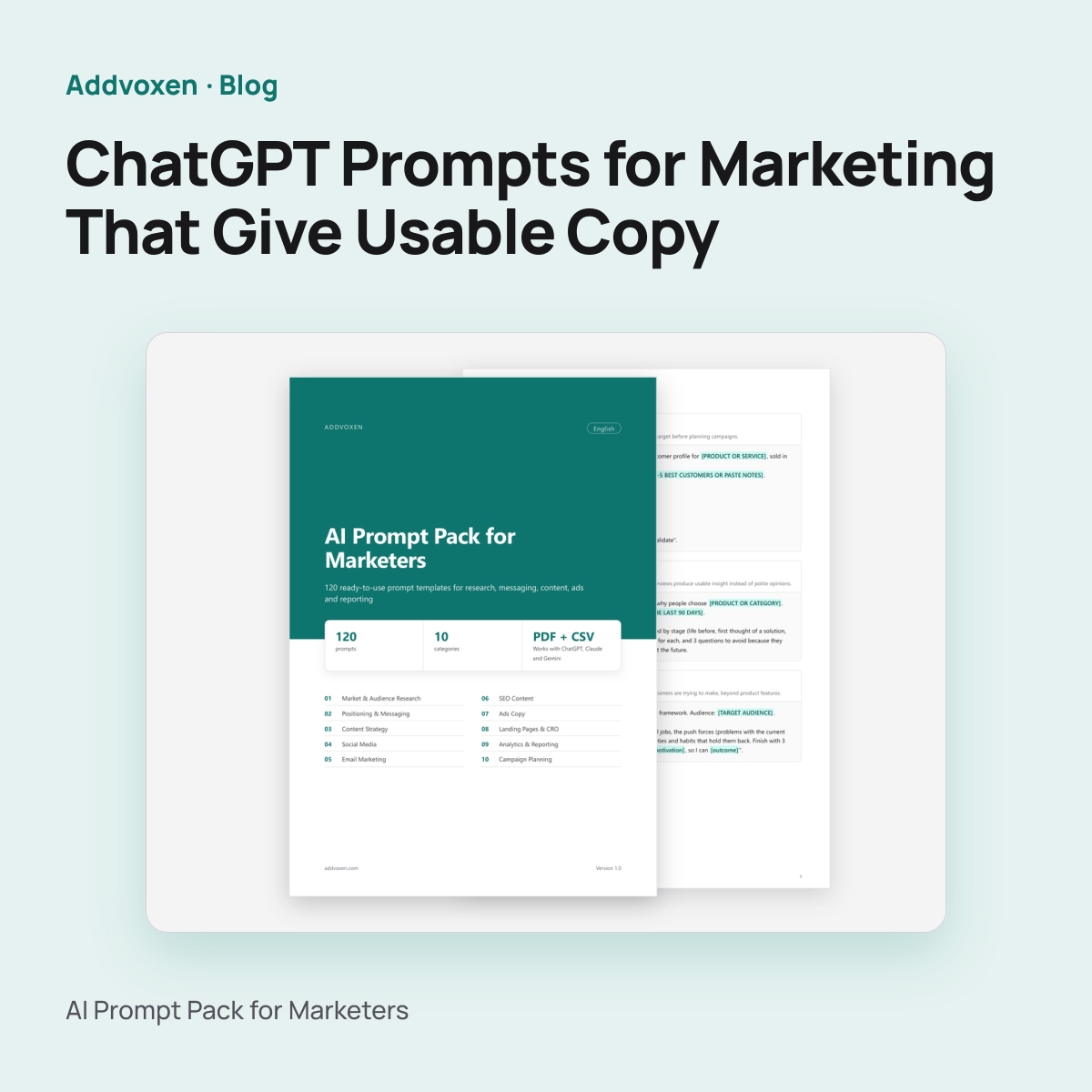
If you would rather not build every prompt from scratch, our AI Prompt Pack for Marketers has 120 templates in ten marketing areas, from audience research to ads and reporting. Each template has fill-in variables and a short note on when to use it, and there is a start-here section on the context block. The principles above work with or without it.
Whichever way you go, the rule stays the same: the more precisely you describe the reader and the offer, the less you have to fix afterwards.